How to Install
This guide explains how to install the app on your smartphone.
Android
Section titled “Android”
- Access the following URL: https://guaraniinsights.arkedgeinsights.com
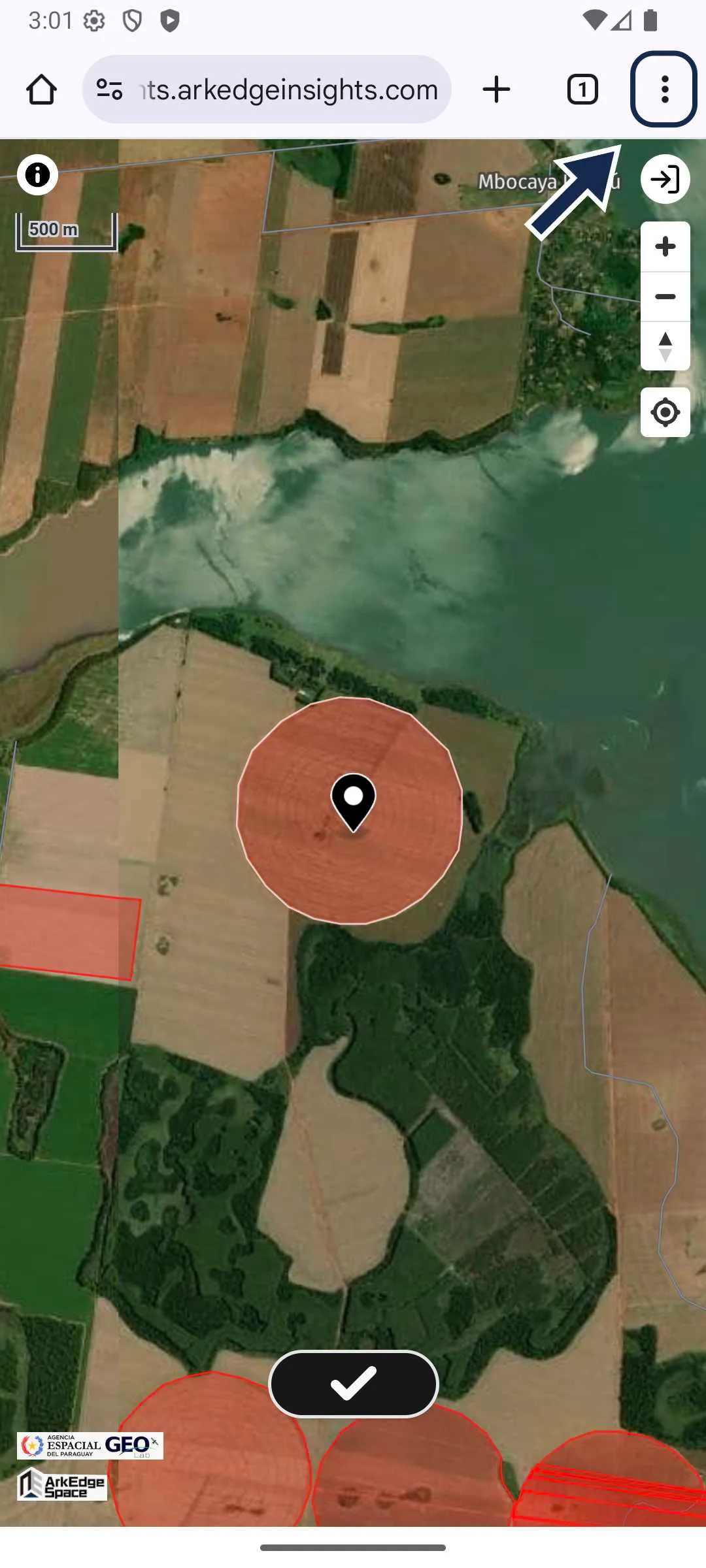
- Open the browser menu.
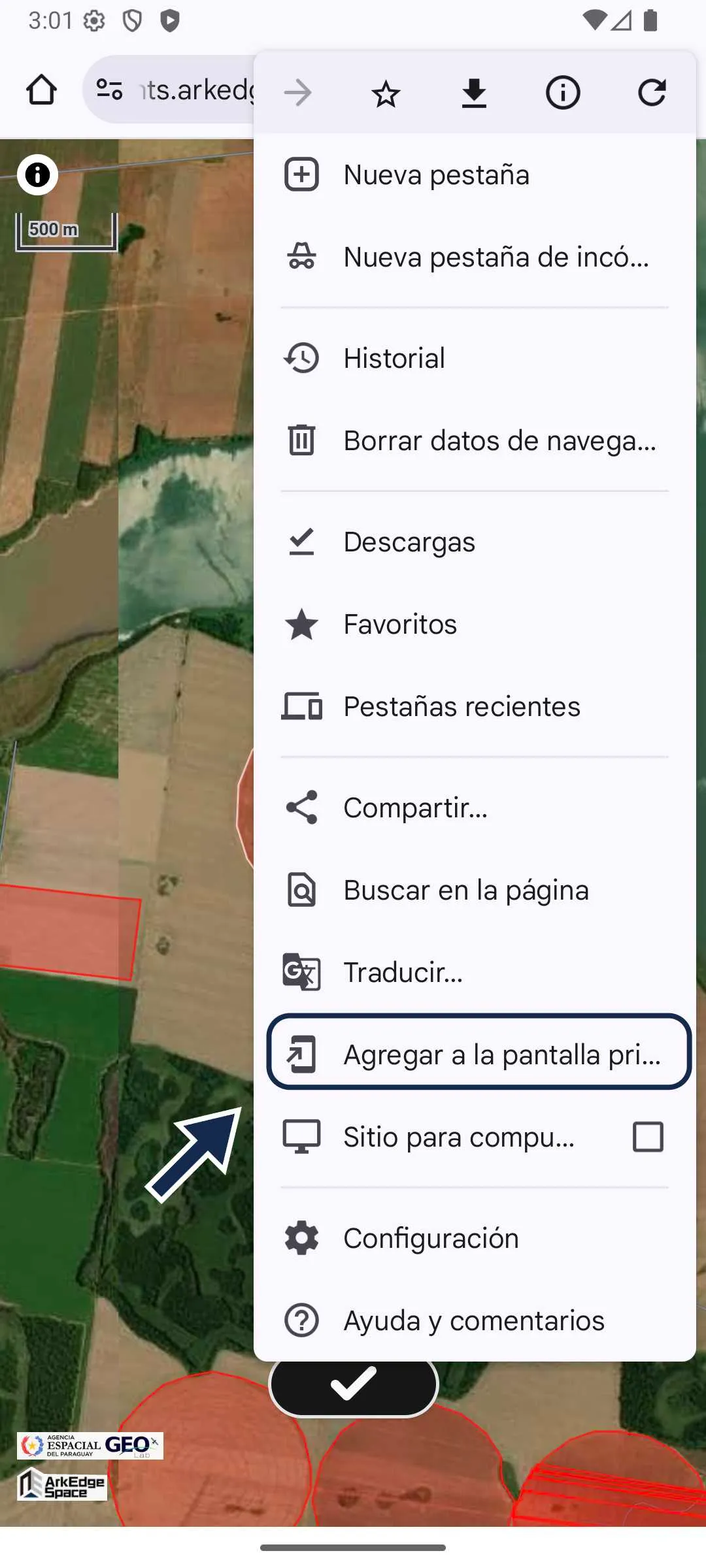
- Click on “Add to Home screen”.
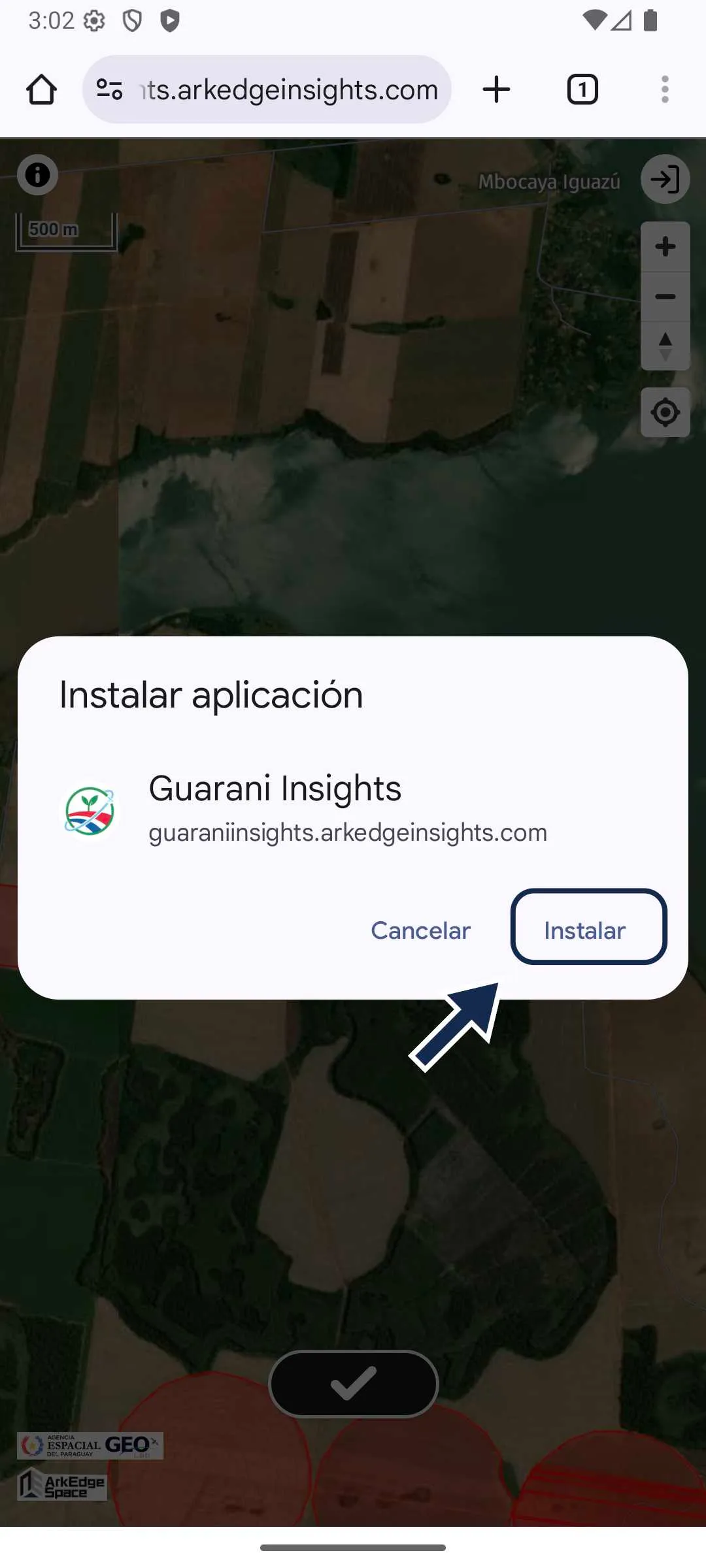
- Click on “Install”.
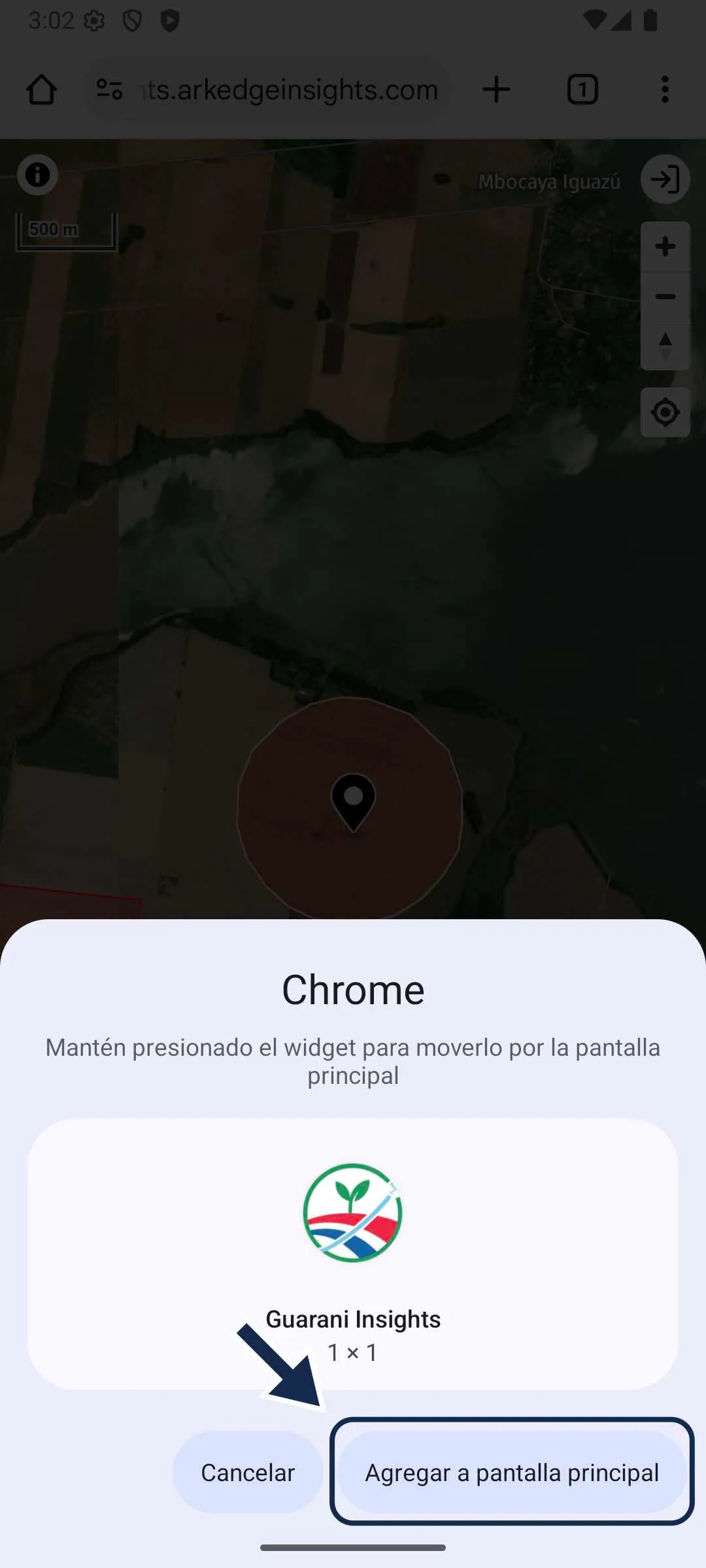
- Click on “Add to home screen”
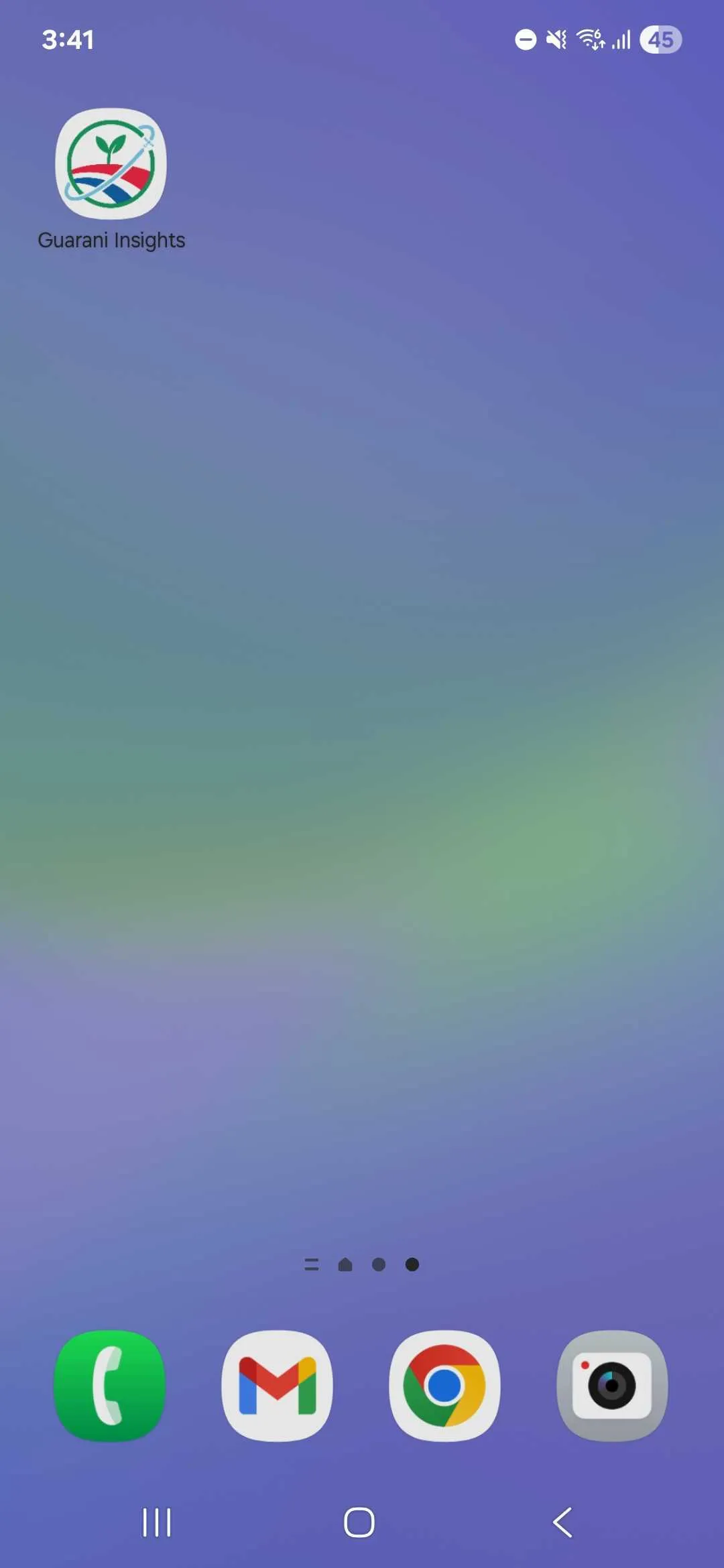
- The app will be added to your home screen.
iPhone
Section titled “iPhone” - Access the following URL: https://guaraniinsights.arkedgeinsights.com
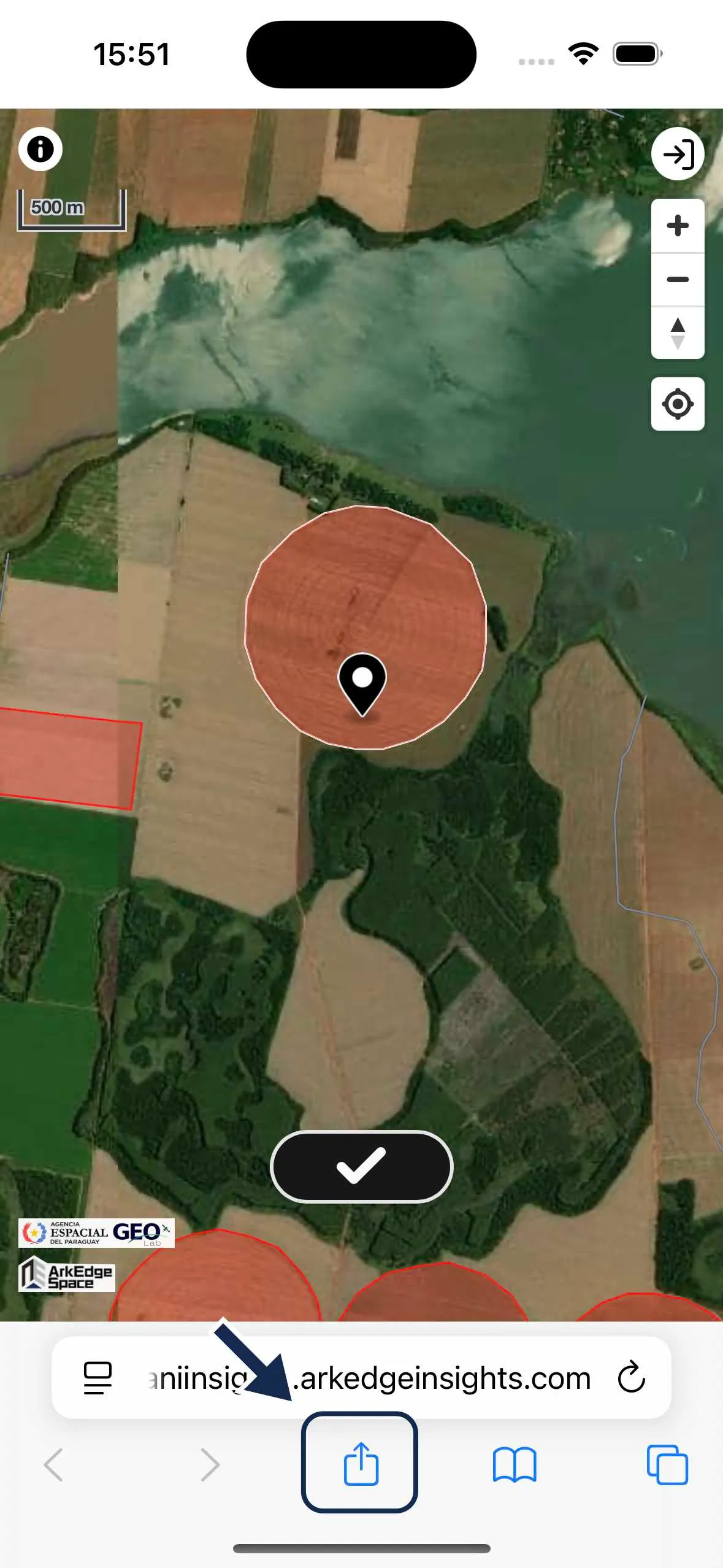
- Open the browser menu.
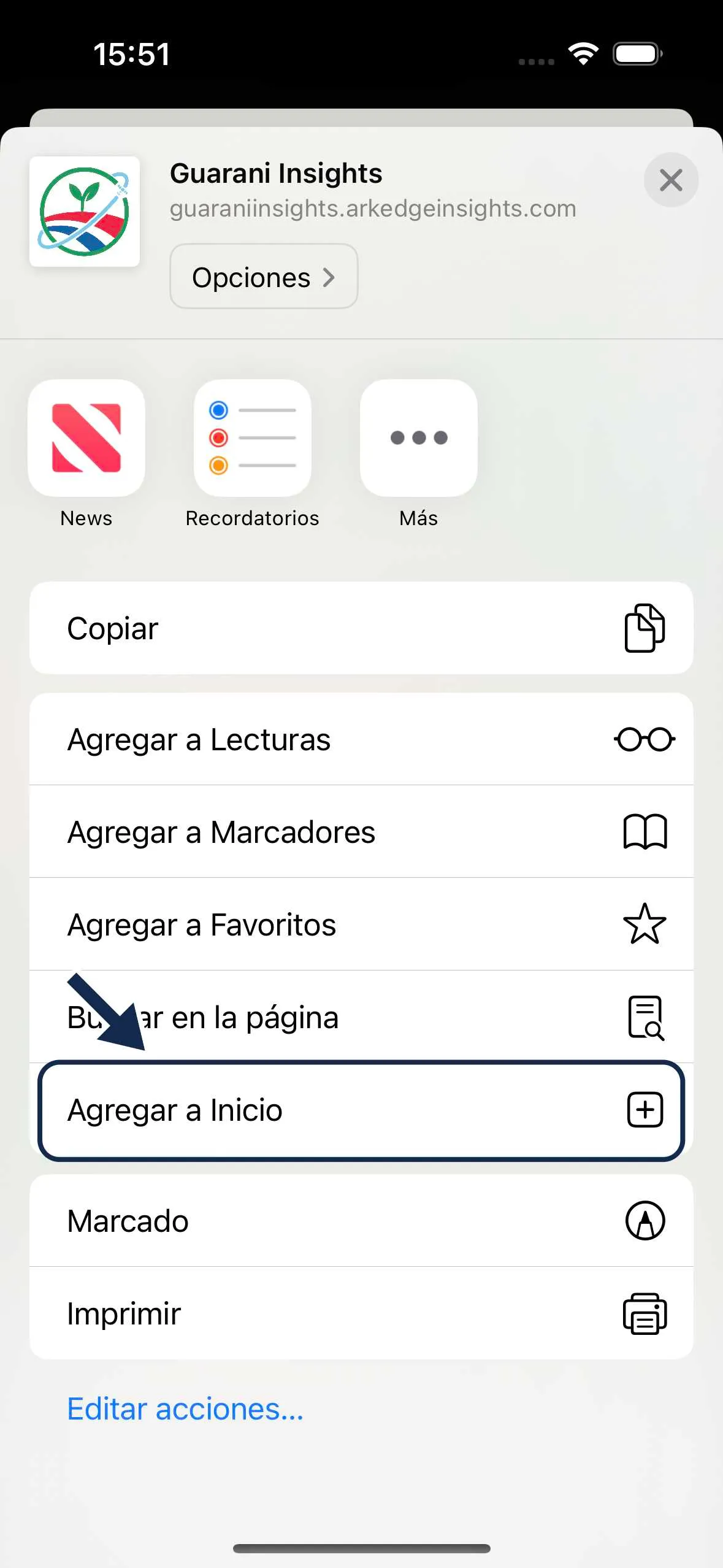
- Click on “Add to Home screen”.
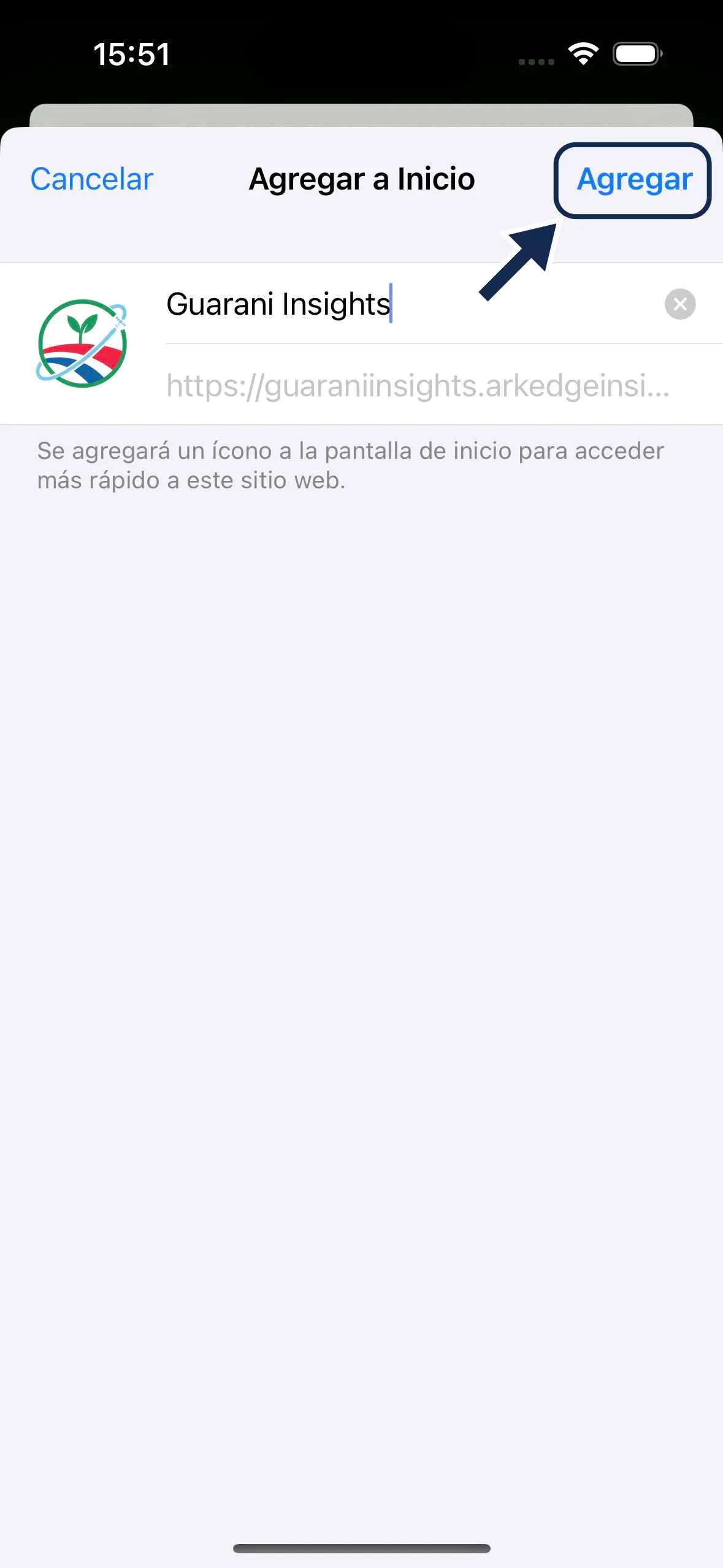
- Click on “Add”.
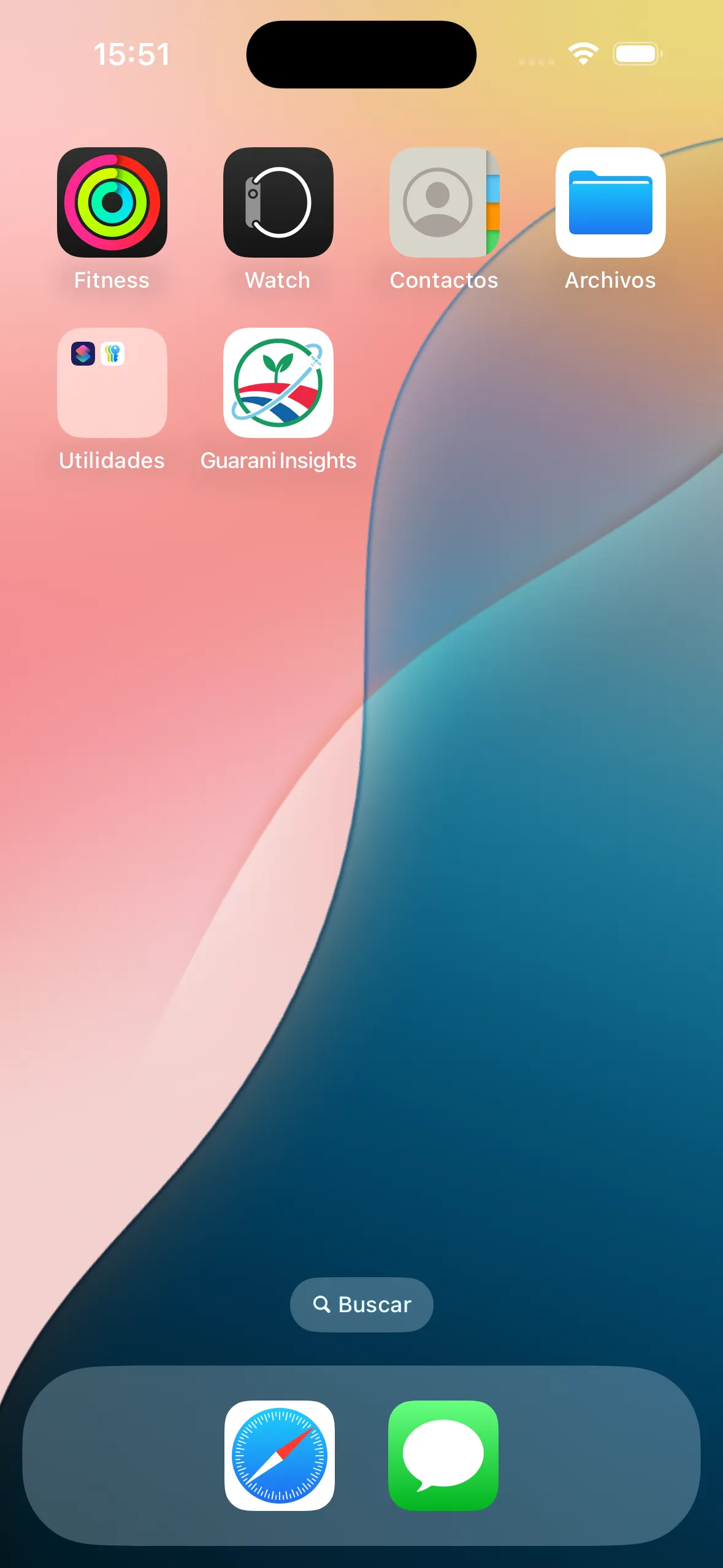
- The app will be added to your home screen.